Access your Cluster#
Objectives#
Access the KubeStack+ cluster on UI and CLI.
Key Results#
- Access KubeStack+ Console
- View Forecastle Page and view different tools/services.
PreRequisites#
- Working laptop or desktop computer.
Guide#
Access OpenShift UI#
Lets see how will you access your cluster.
-
Access your cluster by going to KubeStack+. Enter your enterprise domain provide by Stakater Cloud administrator.
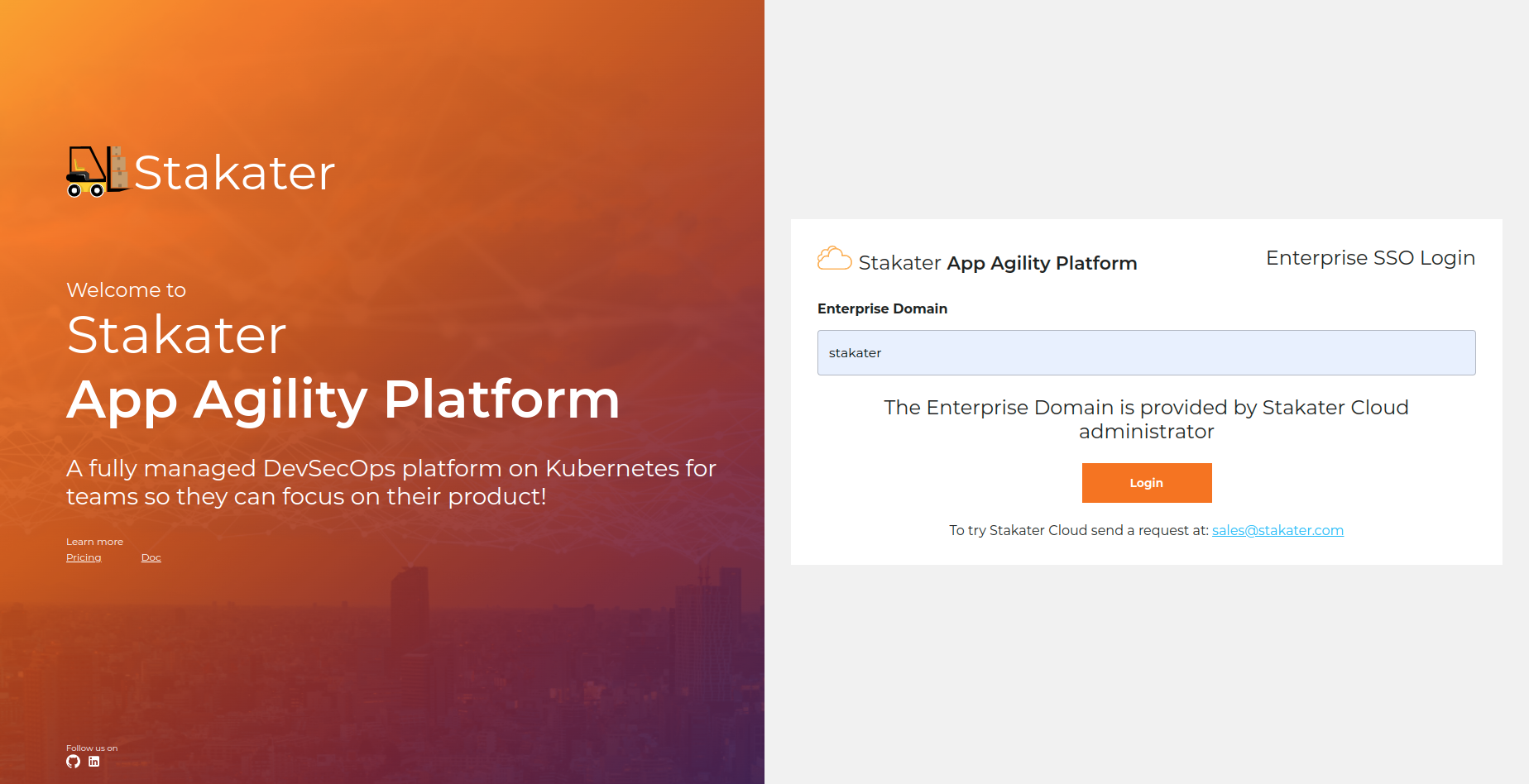
-
Log In with the method configured for your Organization.
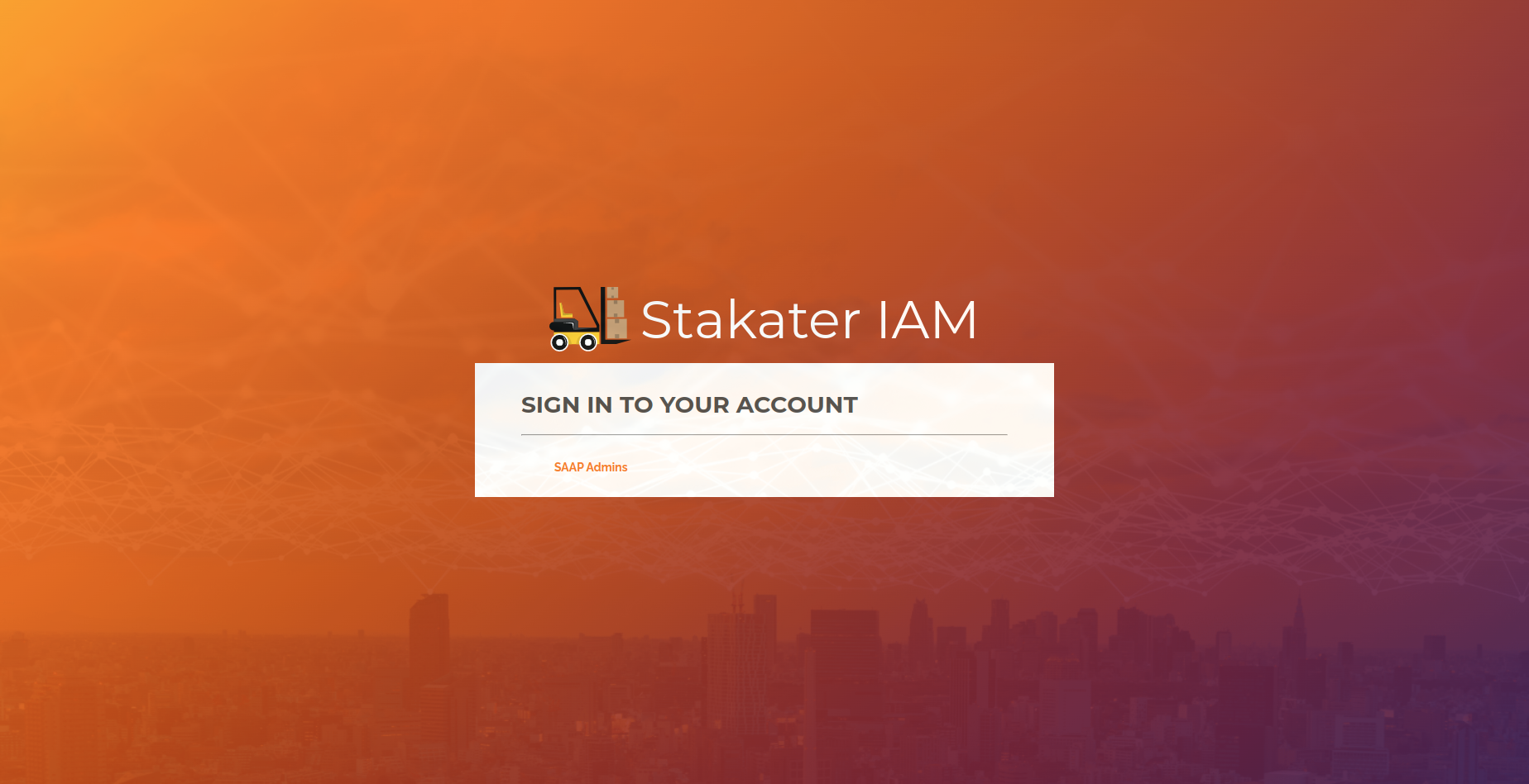
-
Once you've logged in, you ll be directed to similar cluster overview page.
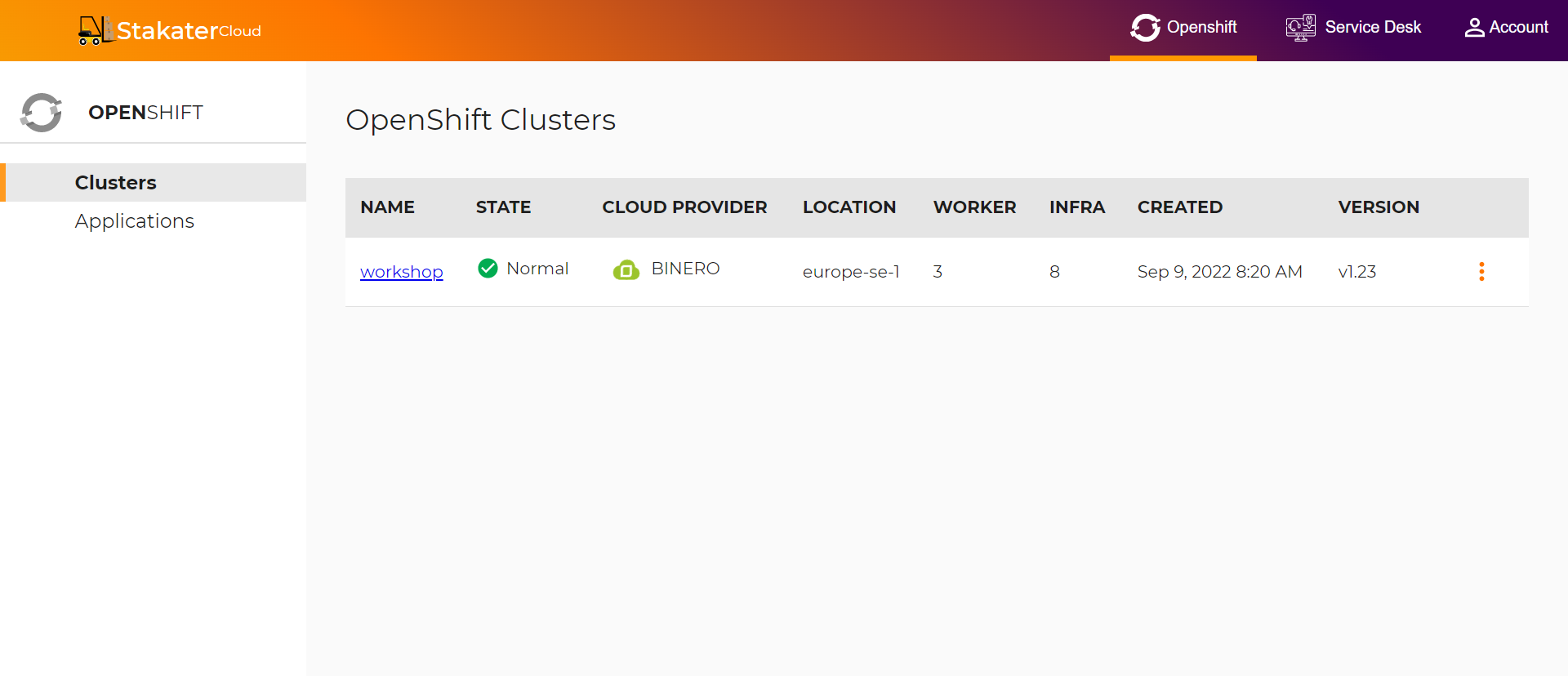
-
Click on drop down toggle for the relevant cluster:
-
Select
OpenShift Web Consoleto open the OpenShift Web Console.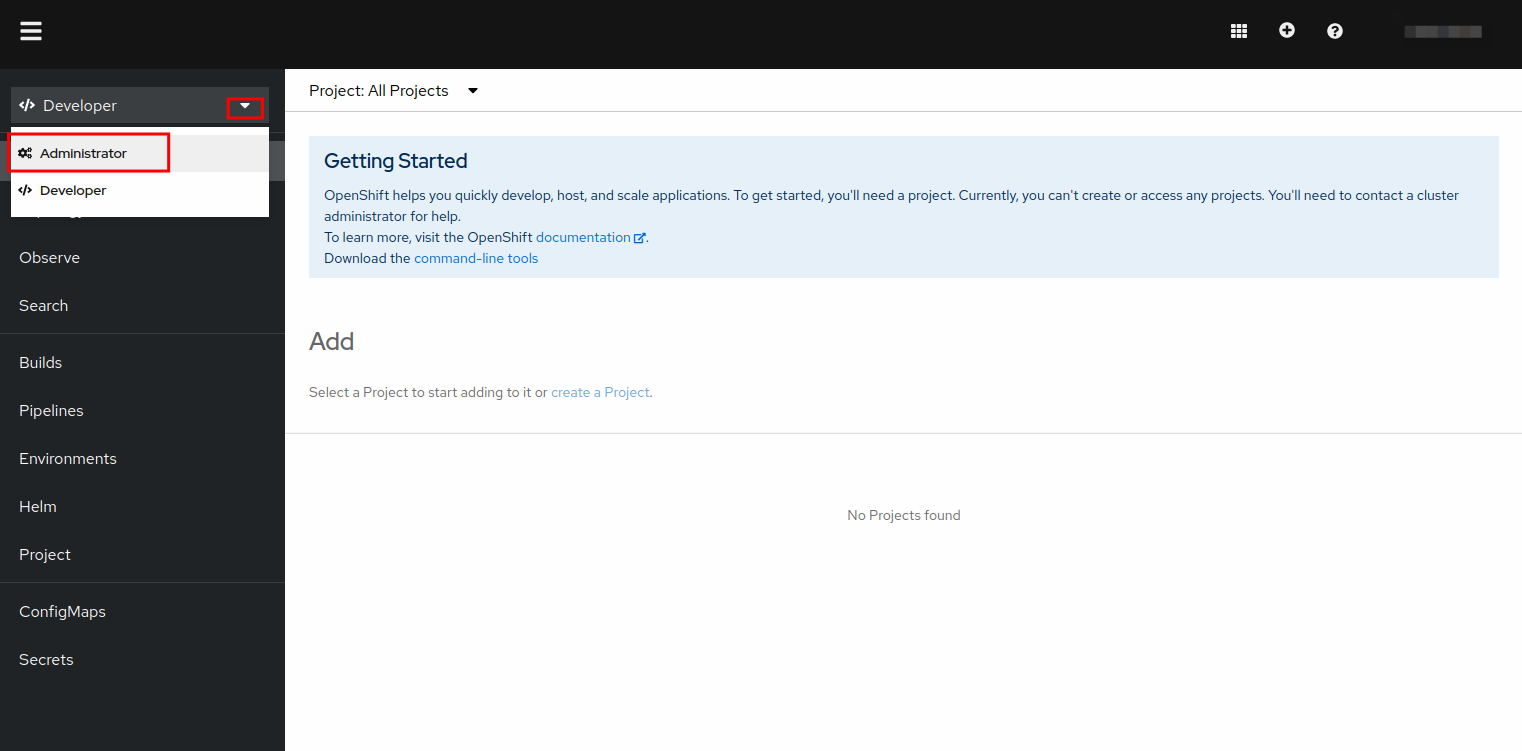
You should belong to a Tenant
-
Select Forecastle for view services available on the cluster.
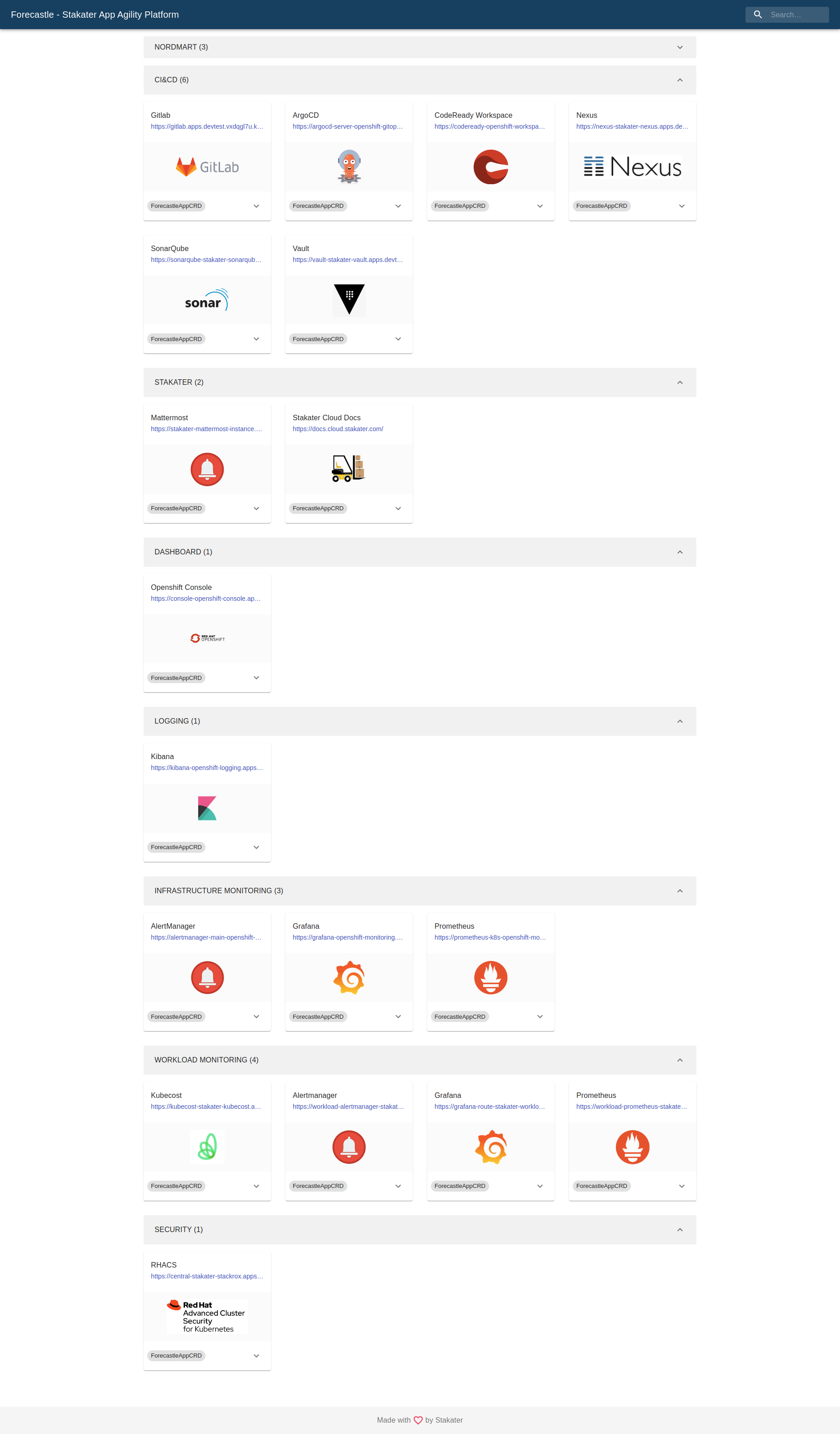
-
Login with CLI#
-
In your
OpenShift Console, click your username in the top right corner and selectCopy login command.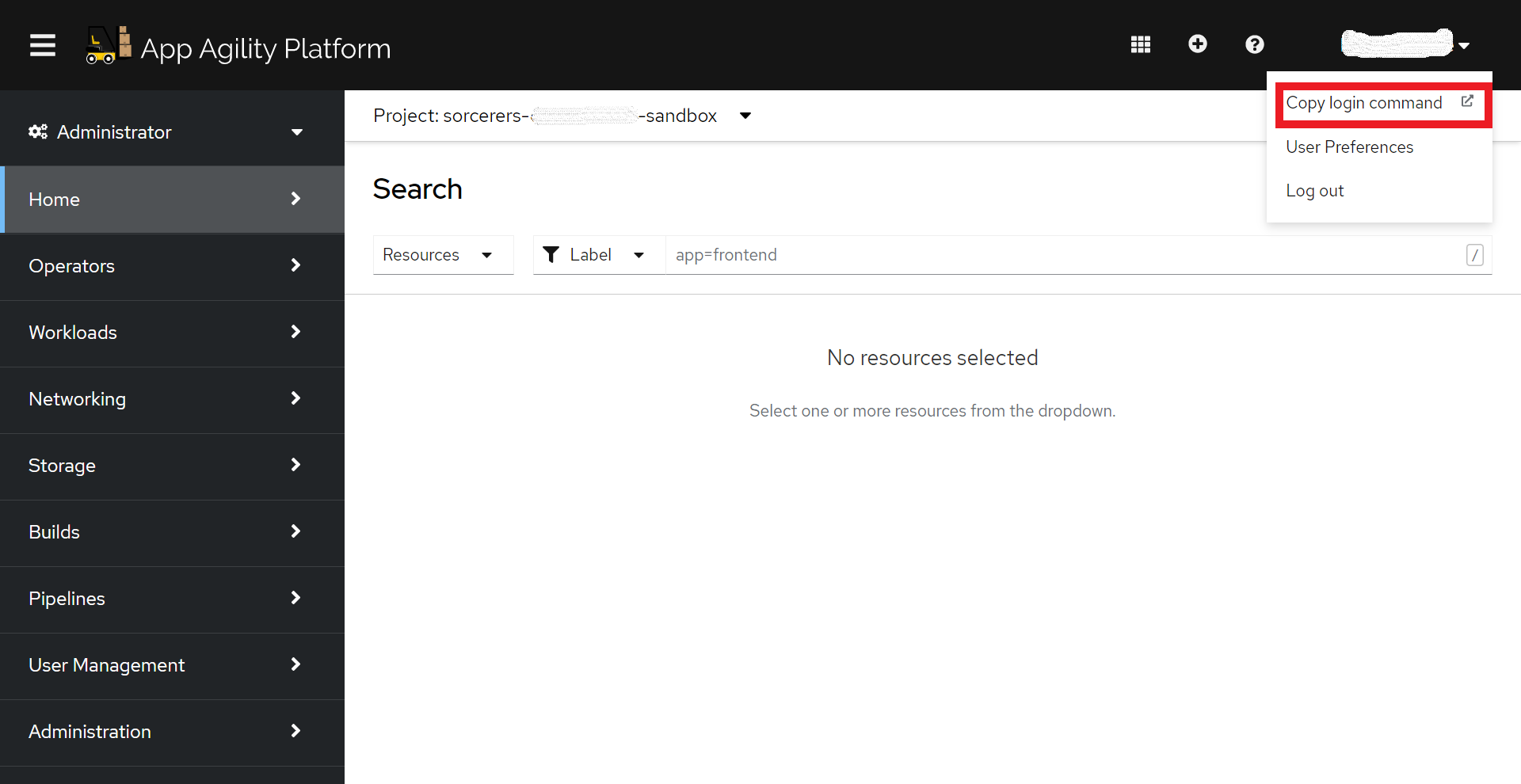
-
Click on
Display tokento view your token and login command.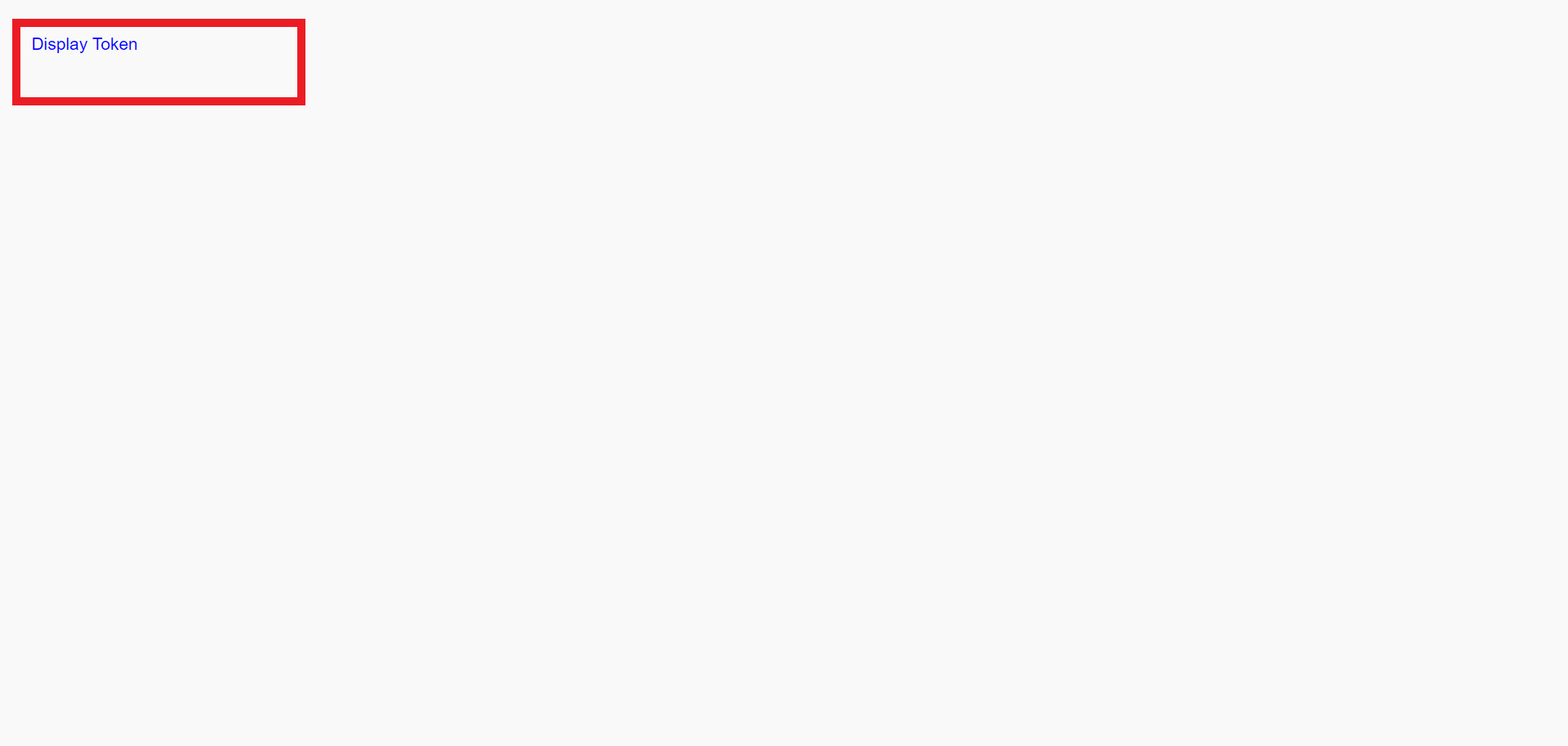
-
Copy your Log in command.
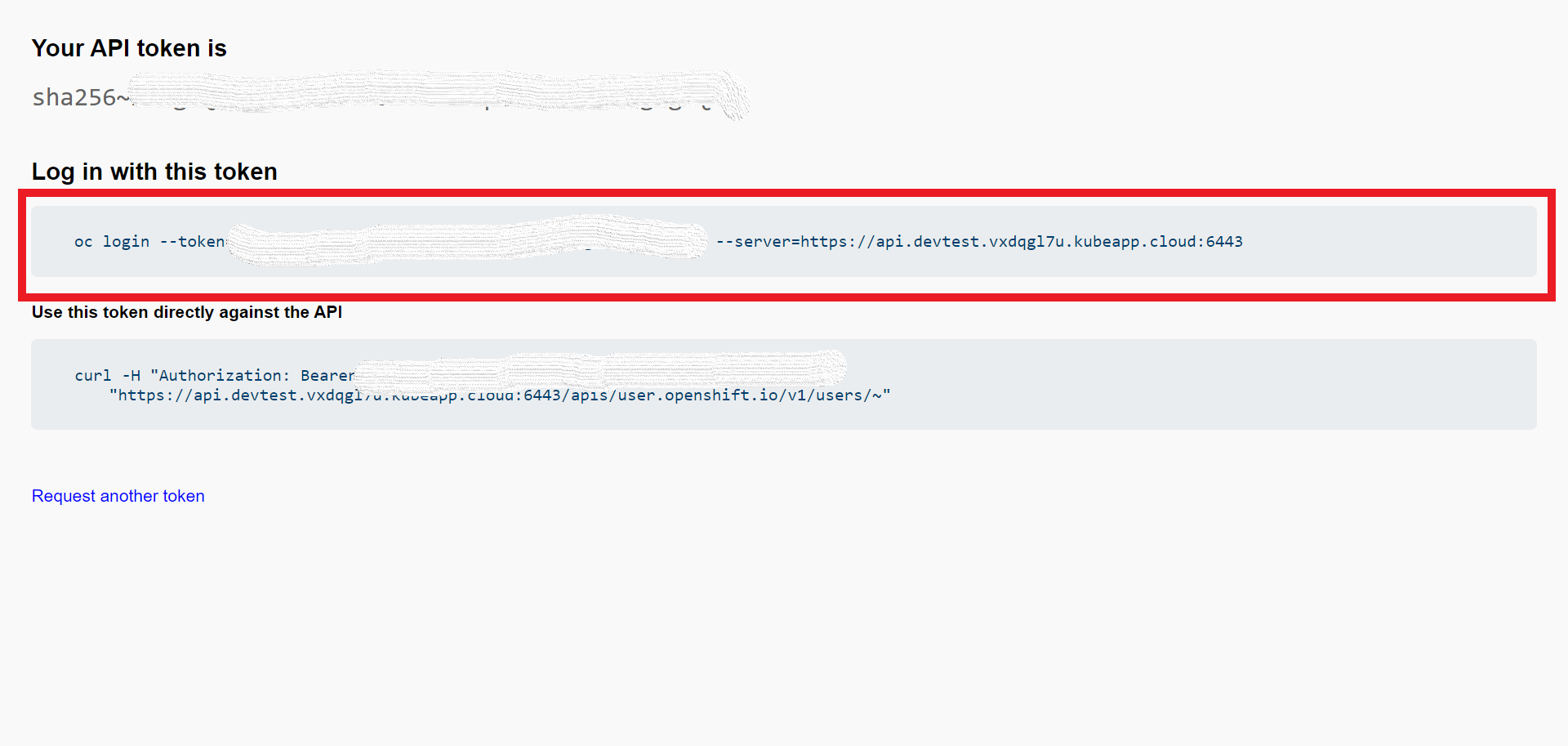
-
Run the following command from your CLI.