Access your cluster#
This guide explains how to access the KubeStack+ cluster via the web console and the oc CLI.
1. Log in via the web console#
-
Go to KubeStack+ and enter the enterprise domain provided by your cluster administrator.
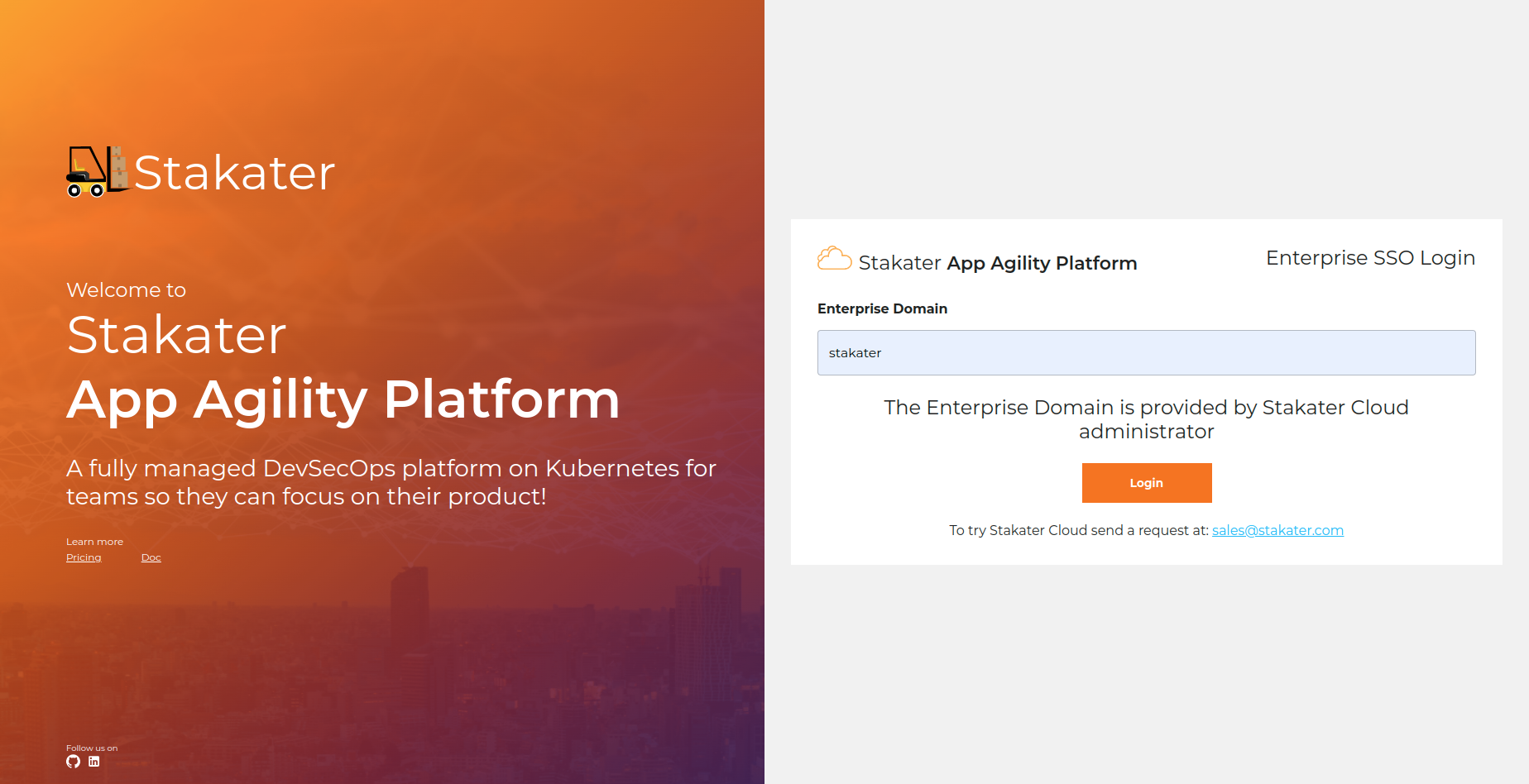
-
Log in using the method configured for your organization.
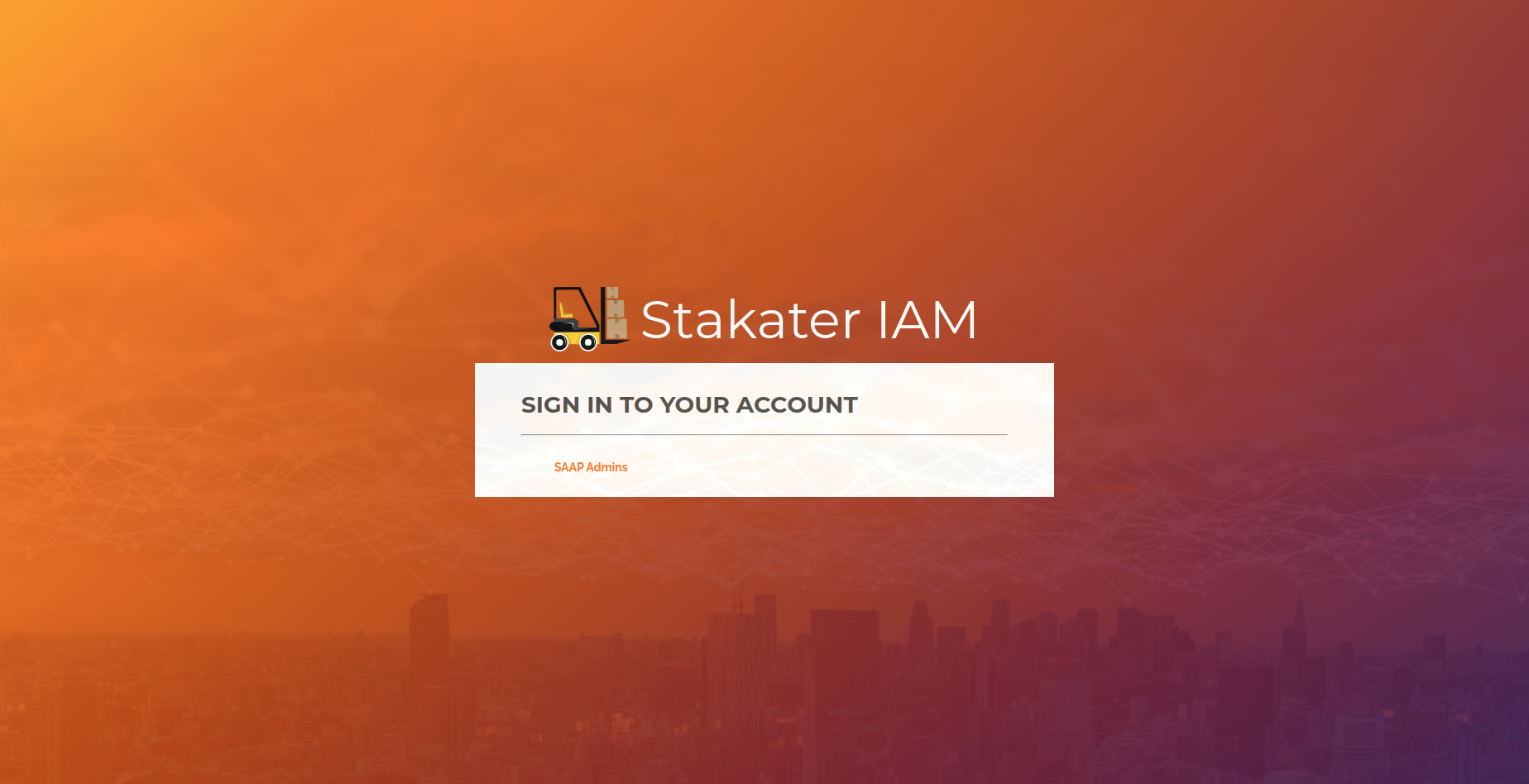
-
After login you will see the cluster overview page.
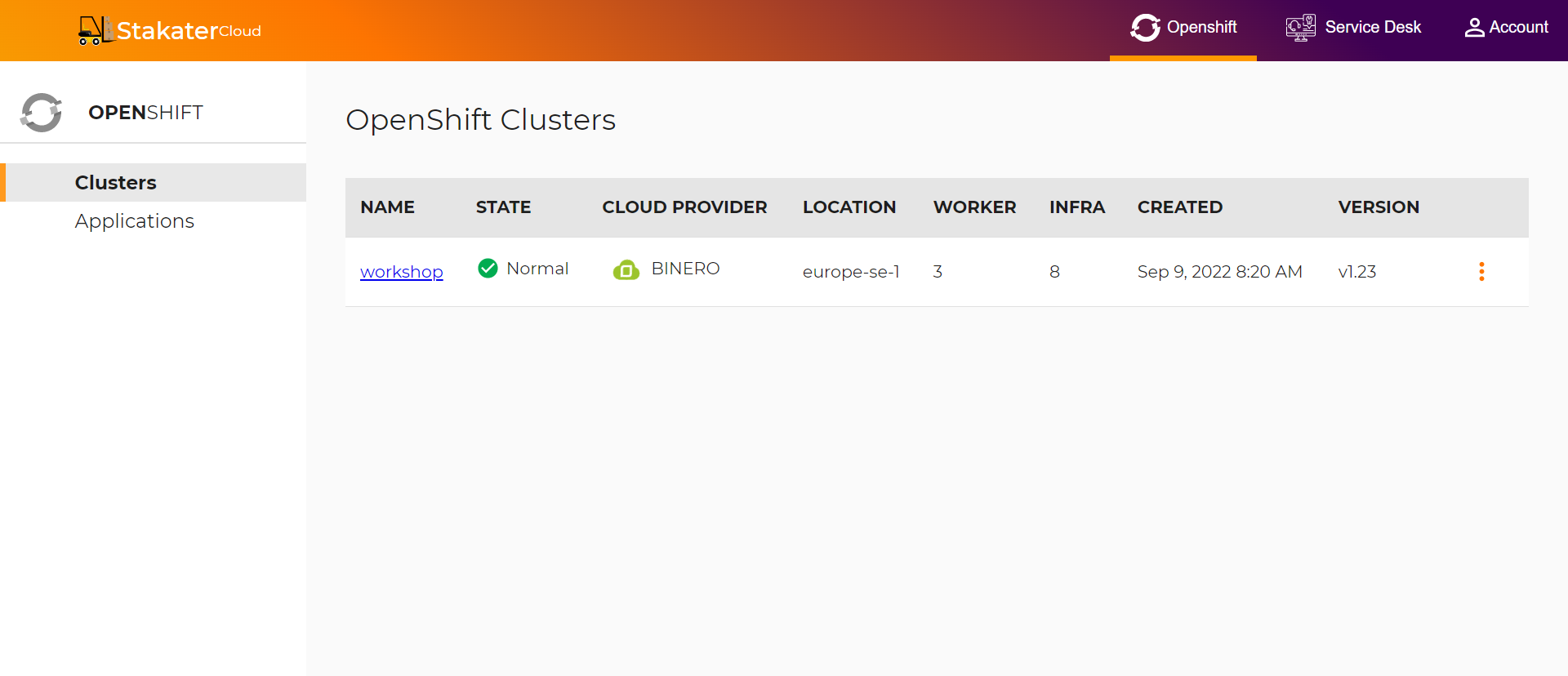
-
Click the dropdown for your cluster and select OpenShift Web Console.
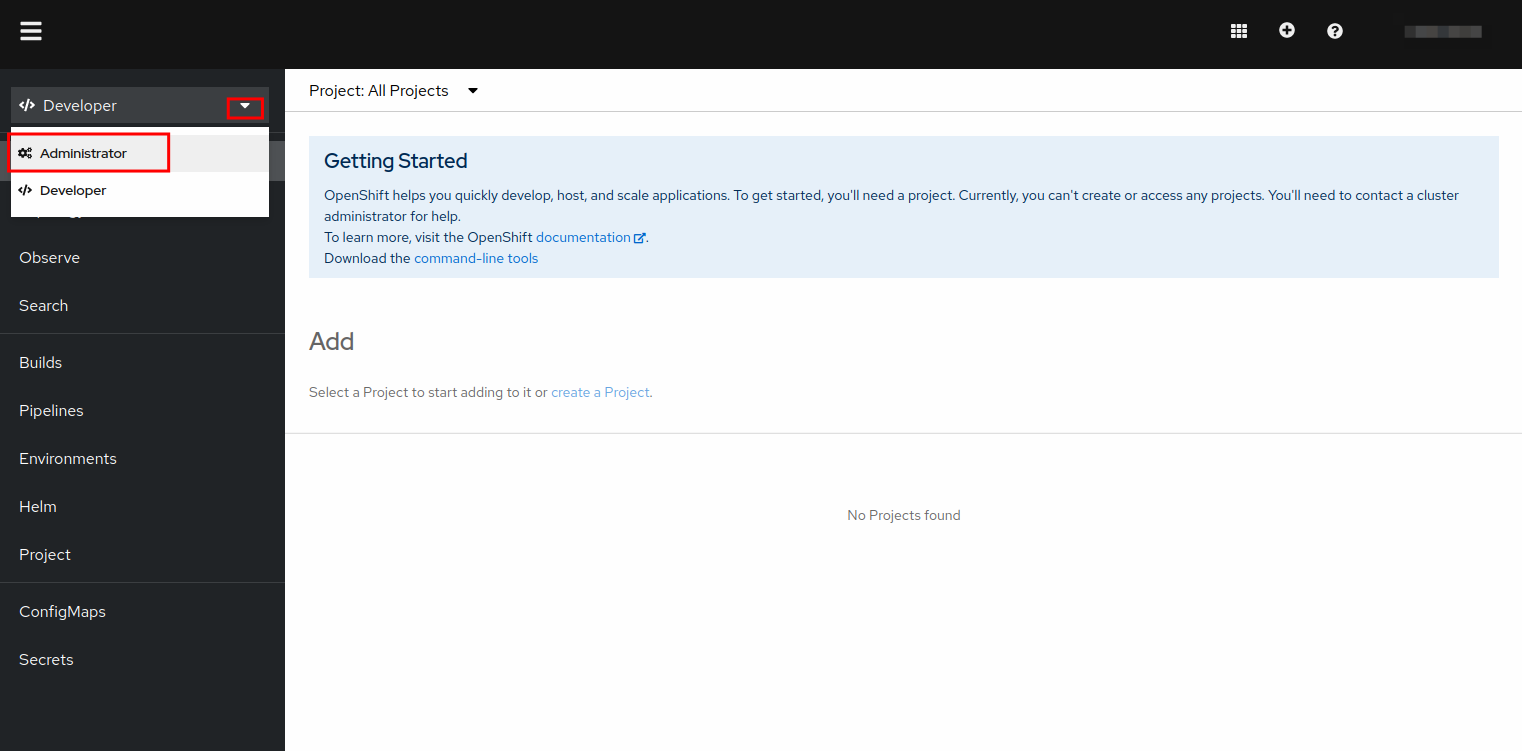
-
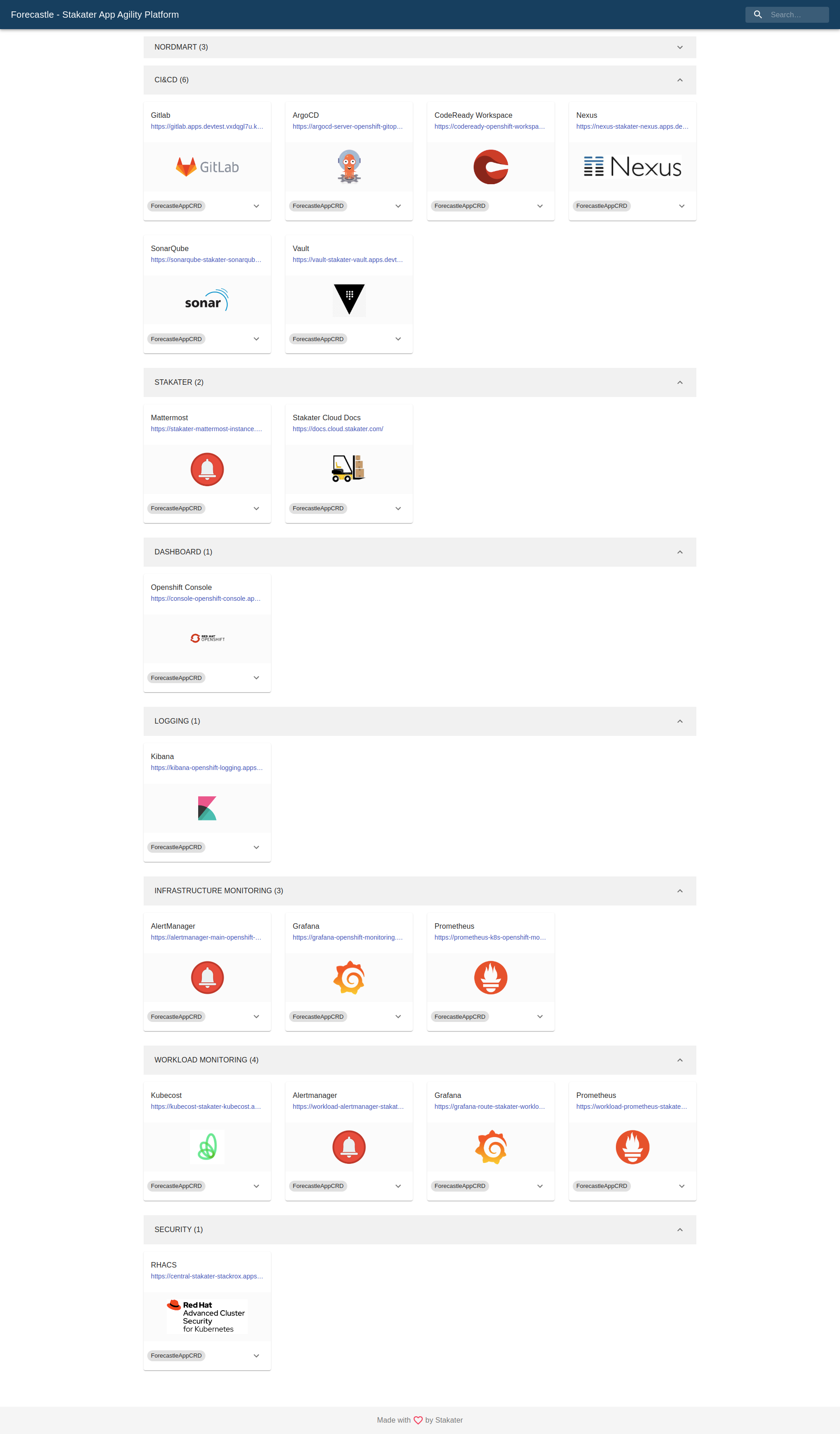
To view the services available on the cluster, select Forecastle from the same dropdown.
2. Log in via the CLI#
-
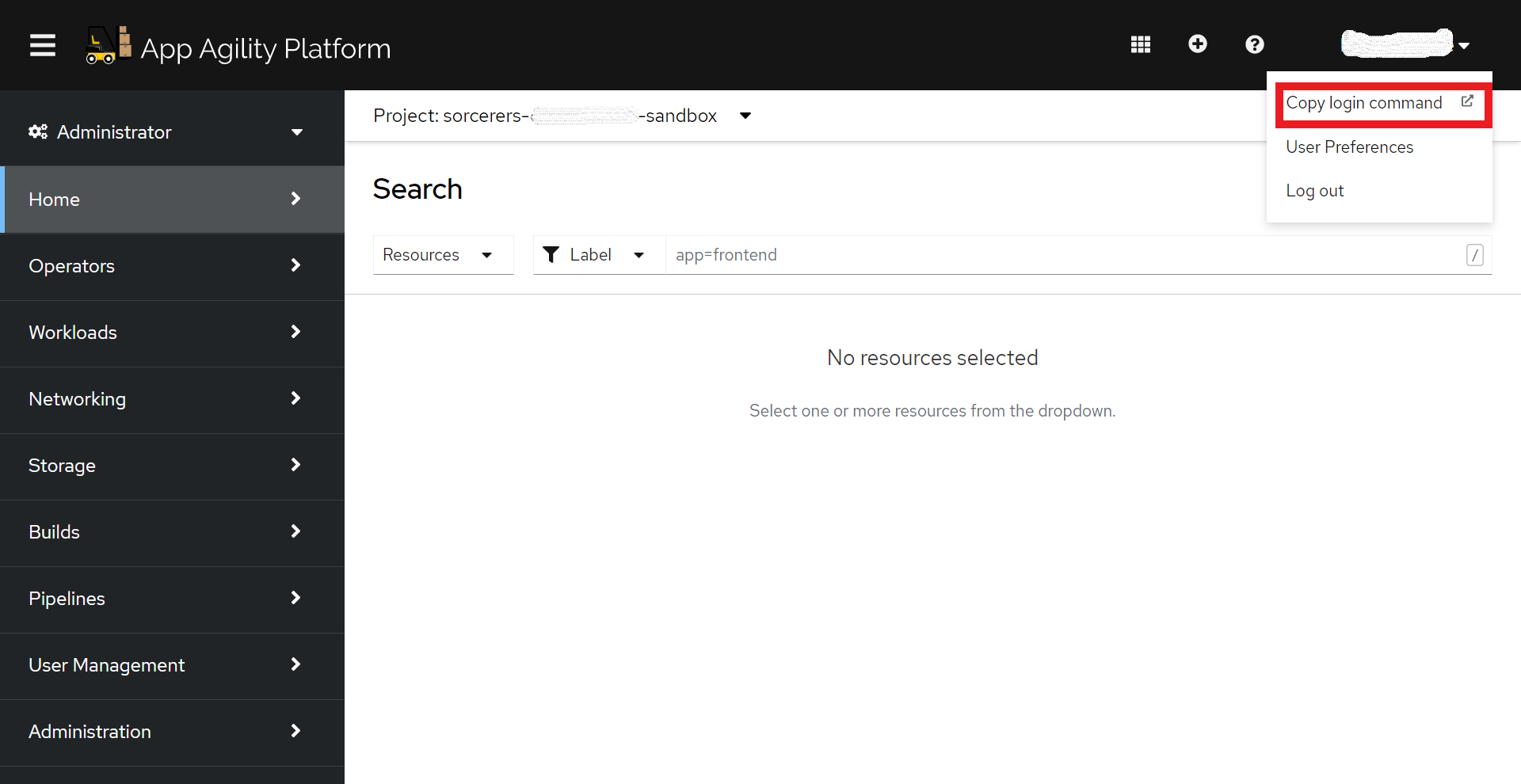
In the OpenShift console, click your username in the top-right corner and select Copy login command.
-
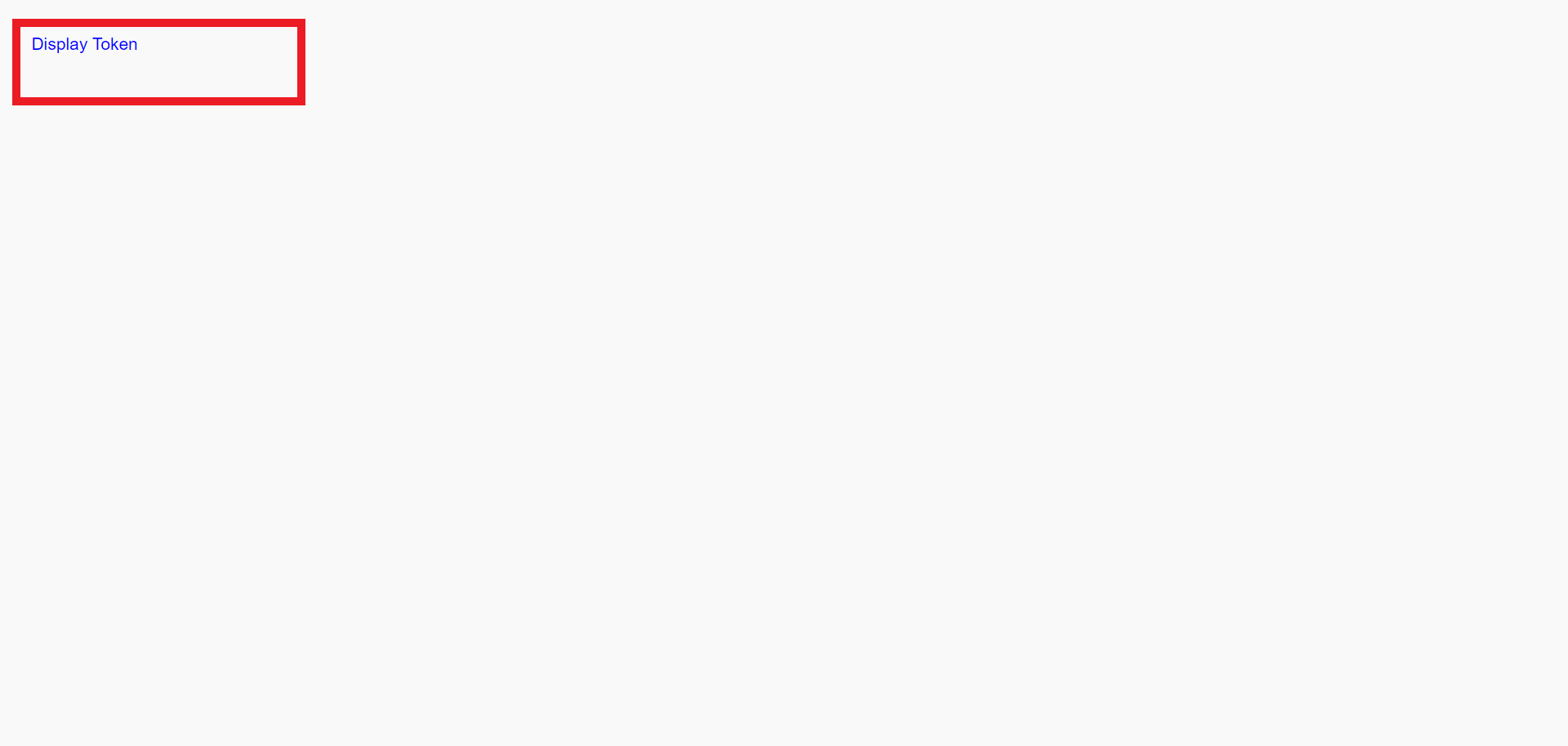
Click Display token.
-
Copy the login command and run it in your terminal:
With cluster access confirmed, continue to Deploy a demo app to deploy your first application.